Signing in
DetectOS is invite-only. You can't create an account yourself: an Admin in your organization, or Detect, invites you by email.
Accept your invite
Your invite email comes from Detect and contains a link to set up your account. The link works for 24 hours.
Choose one way to set up your account:
- Set a password. Click the link in the email, enter your name, an optional job title and a password, and accept the privacy policy.
- Use Google or Microsoft. Go to the DetectOS sign-in page and click Sign in with Google or Sign in with Microsoft, using the same email address the invite was sent to.
Whichever you choose first becomes how you sign in from then on.
If your link has expired, ask your Admin to resend it.
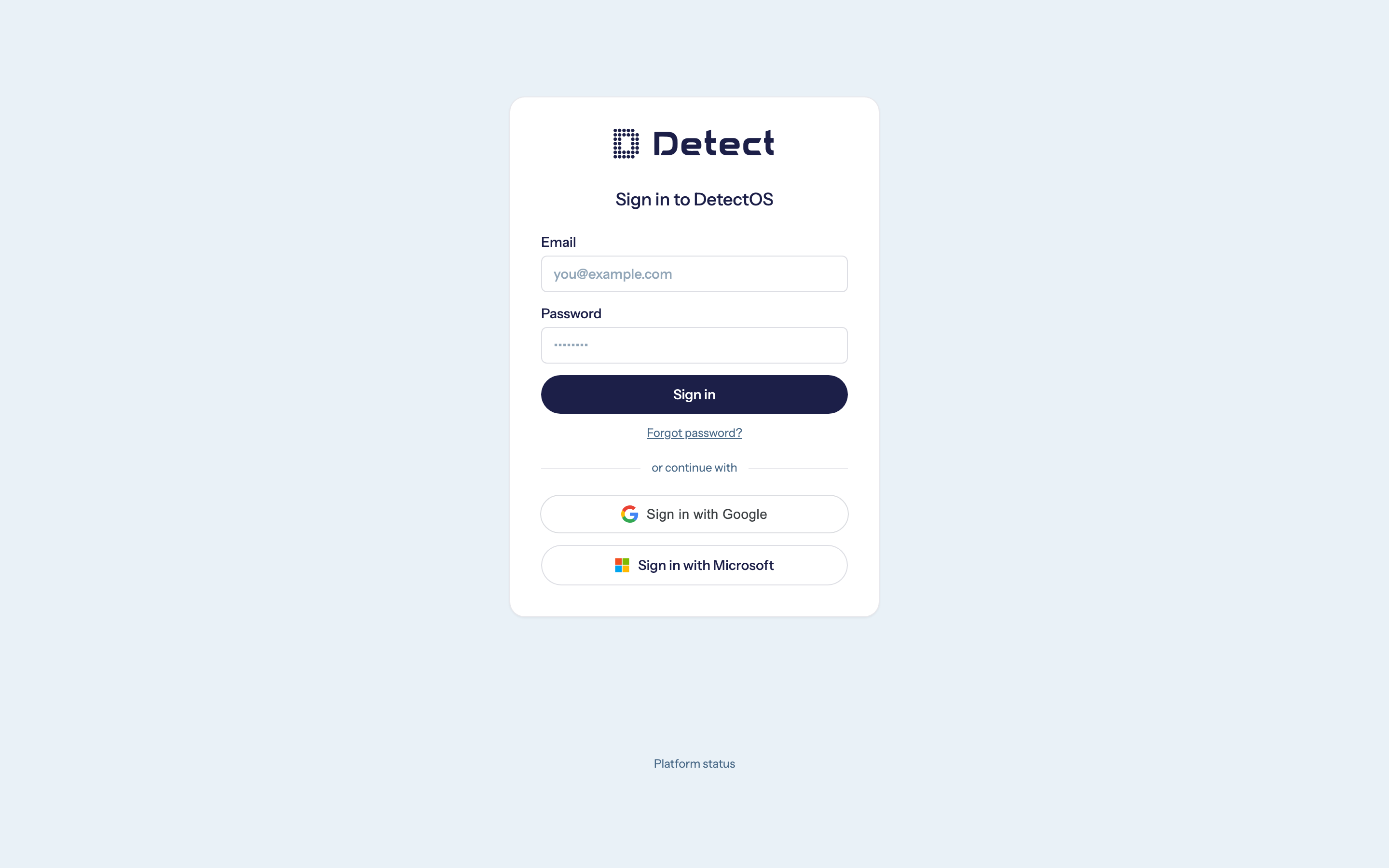
Sign in with Microsoft
Microsoft sign-in works with work or school (Microsoft 365) accounts. Your company doesn't need to set anything up for it.
- Sign in with the exact email address you were invited with.
- Your Microsoft account needs an email address. Accounts without a mailbox are not supported.
- Some companies only allow staff to sign in to approved apps. If Microsoft says you need an administrator's approval, ask your IT team to approve DetectOS.
Passwords
Passwords must be at least 8 characters and include a number and a special character. Common passwords, and passwords that contain your email name, are not accepted.
After several failed attempts, your account is locked for a short time. Wait a few minutes and try again, or reset your password below.
Forgot your password
- On the sign-in page, click Forgot password?
- Enter your email address.
- Open the reset link we send you. It works for 24 hours.
For your security, the page always says an email is on its way, whether or not the address has an account.
How long you stay signed in
You stay signed in for 24 hours, across all your browser tabs. After that, DetectOS asks you to sign in again.
The first time you sign in
You are asked to read and agree to the Privacy Policy before you continue.
What you see next depends on what your organization uses. See Finding your way around.
Troubleshooting
| You see | What it means |
|---|---|
| You don't have access — ask an administrator to invite you. | There is no invite for this email address. Check you used the address you were invited with, or ask your Admin to invite you. |
| Your workspace isn't enabled yet | Your organization has an account, but Detect hasn't turned on any part of DetectOS for it yet. Click Contact Detect. |
| You don't have access to any networks yet | Your account works, but no networks have been shared with you. Ask your Admin to give you access. |